dev new crowdcow checkout-redesign

A phone-shaped
command center
for parallel Claudes

Spawn a Claude. Hand it a worktree. Watch it ship — from your phone. Devbox runs N isolated Claude Code agents on a bare-metal box, each in its own devcontainer, each driveable from a chat tab that fits in your hand.

A personal AI dev box,
built for shipping from anywhere.

Devbox is one developer's answer to "how do I run fifteen claudes and subagents at once and still know what they're all doing?" — a remote bare-metal server, a Go CLI, and a web admin panel that lives on an iPhone home screen. It's not a product. It's the workshop.

[ 01 ]

Phone-first

Full xterm.js fidelity in a mobile chat tab. Spinners, ANSI colors, Claude's status bar — all of it, on a screen that fits in your pocket. iOS keyboard quirks handled. Image paste works.

[ 02 ]

Parallel Claudes

One bare-metal box. N isolated environments. Each gets its own git worktree, devcontainer, Chrome tab, and tmux session. Sub-claudes inside each env share a branch when you need a swarm.

[ 03 ]

End-to-end

Beads task graph, live git diff, CDP-driven Chrome screencast, reverse-proxied app URLs with HTTPS, PR tracking, deploy hooks. The whole loop from idea → bead → branch → ship.

Two views, one phone.

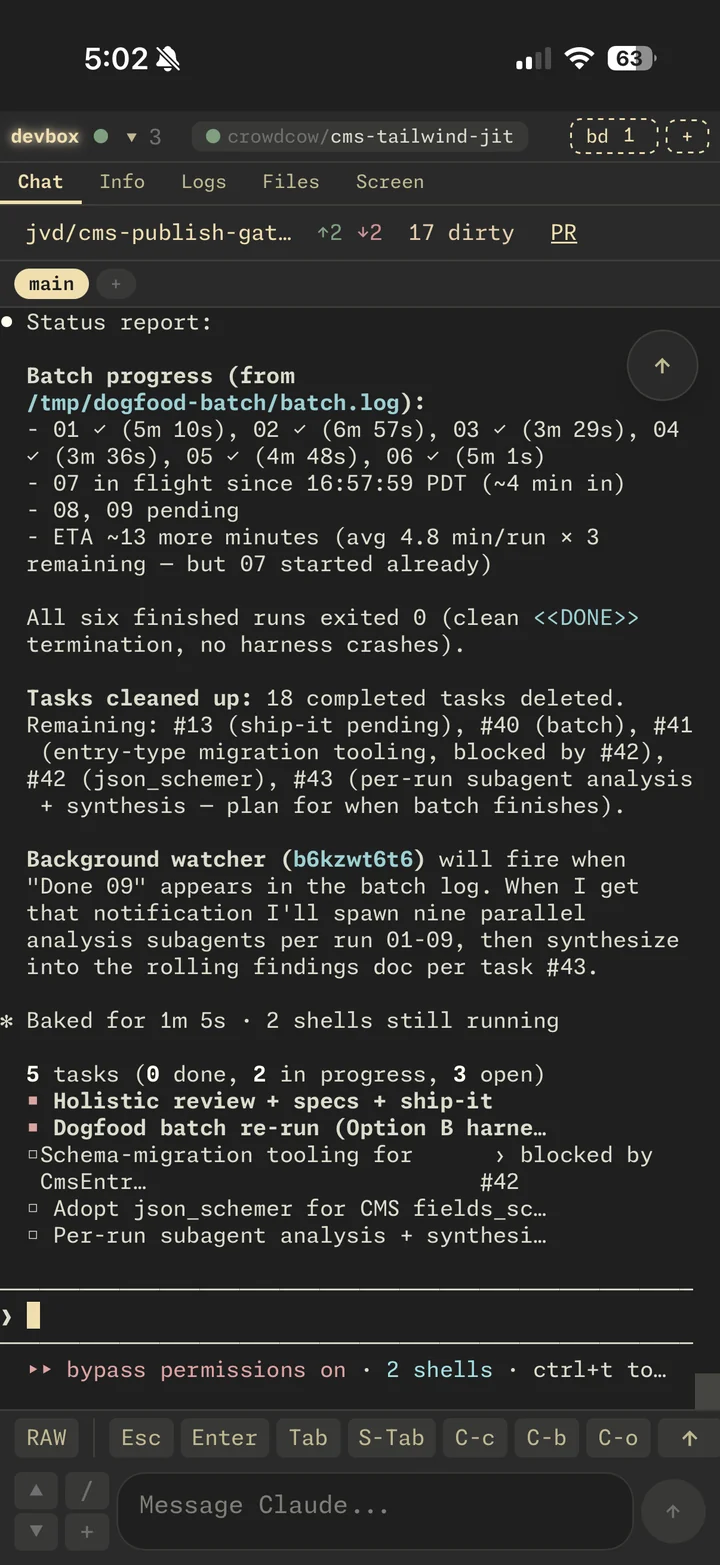
A real iPhone session: drive Claude through chat, ship a PR, hop into settings, jump to the Screen tab to see the rendered page. The hero up top shows the iOS keyboard side; this clip is the shipping side.

// shipping a PR
// rich status reports
Chat tab streaming Claude's rich status report mid-task

clip at 2× · recorded on a real iPhone, no edits

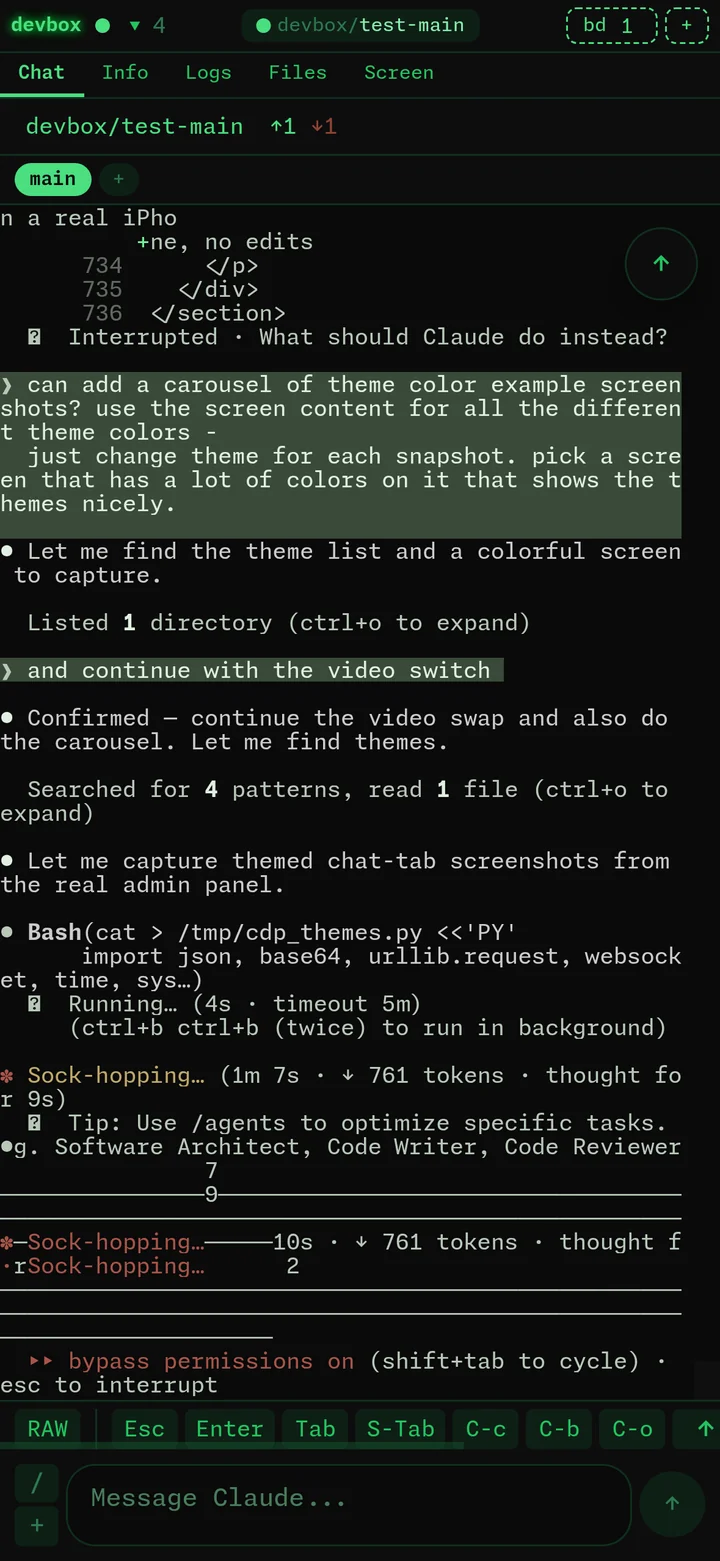
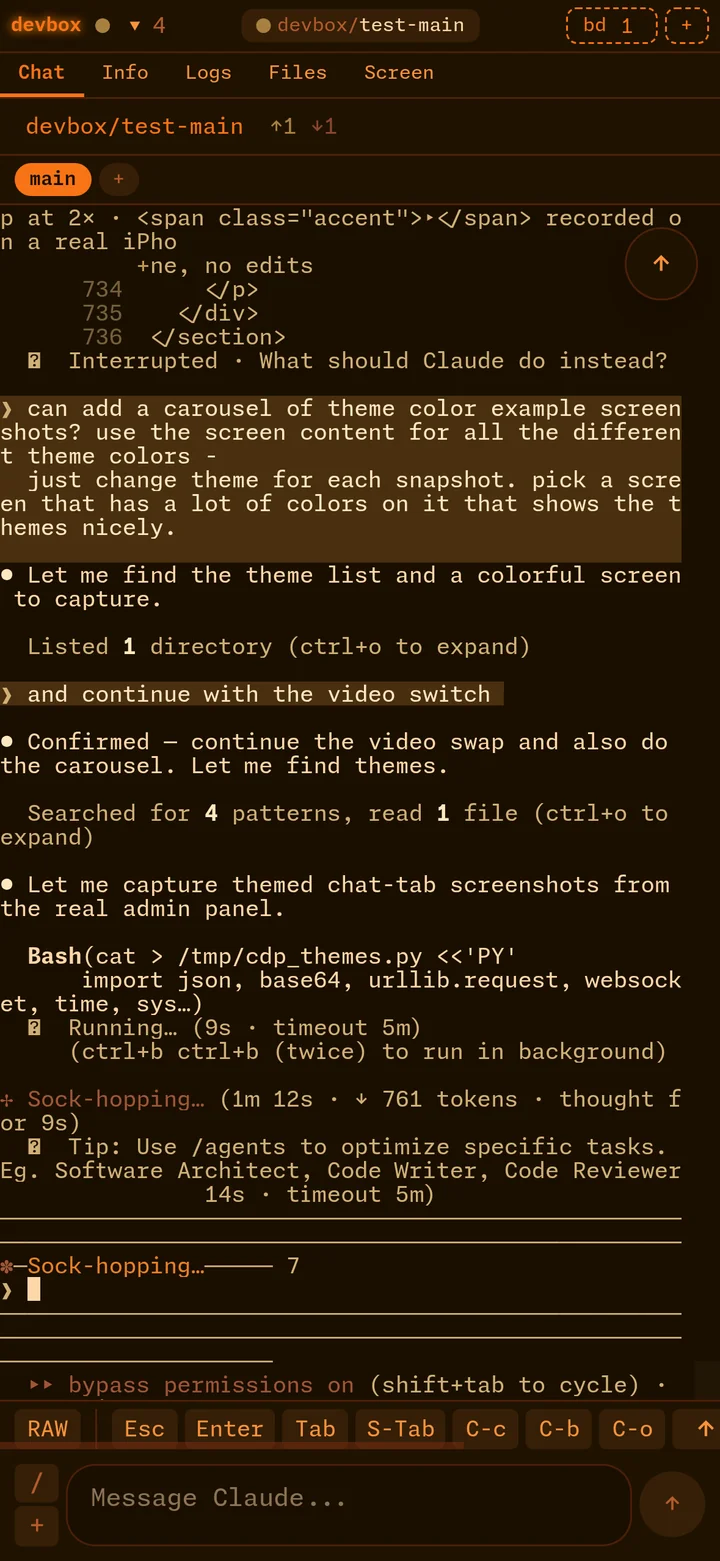
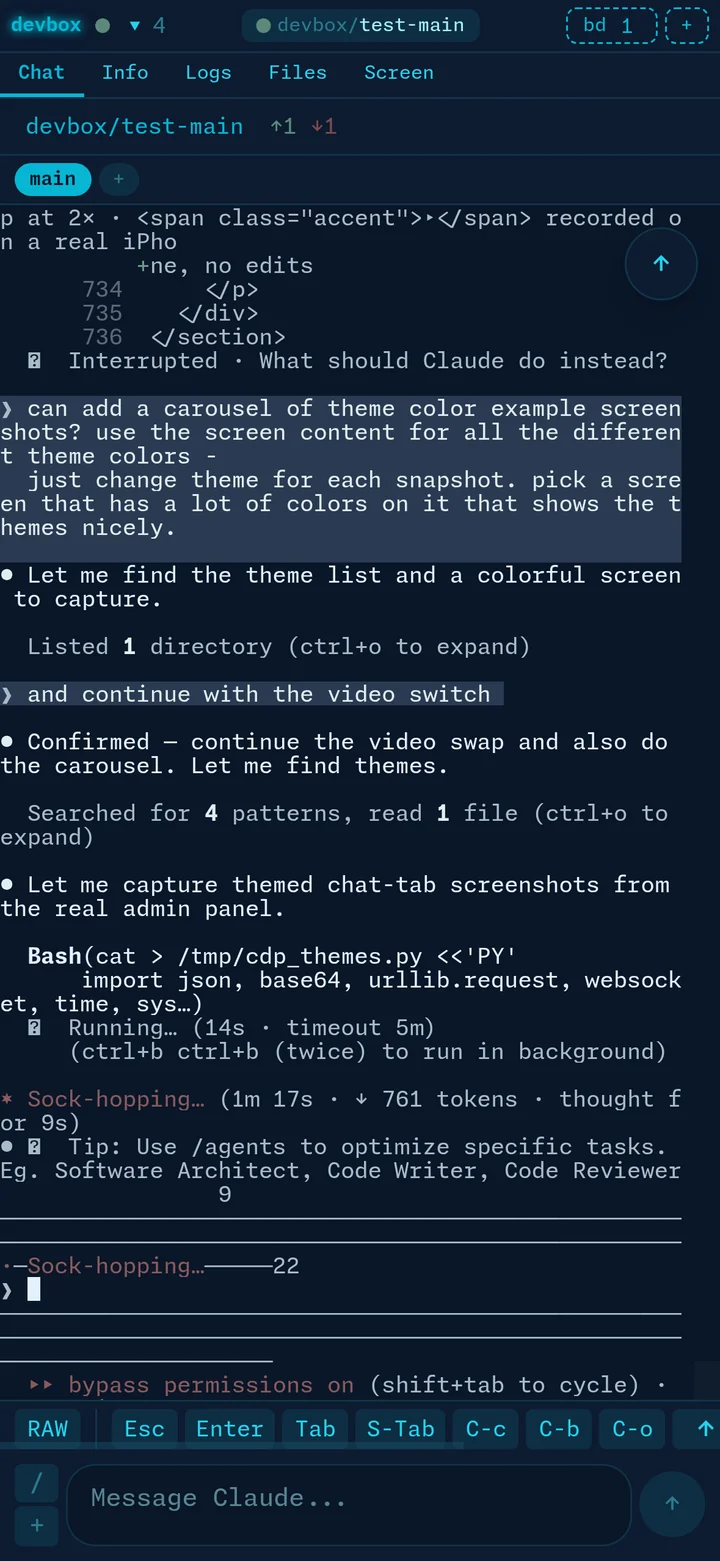
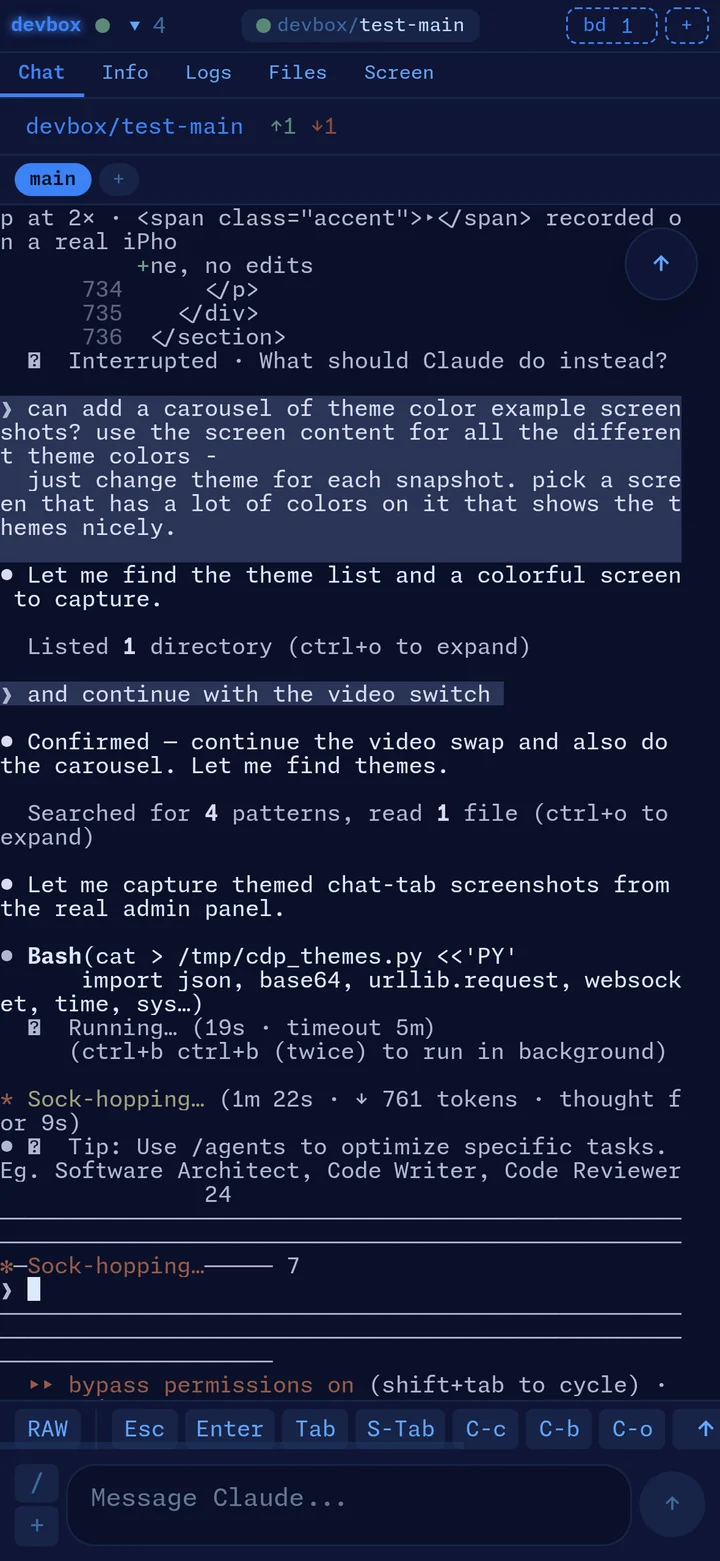
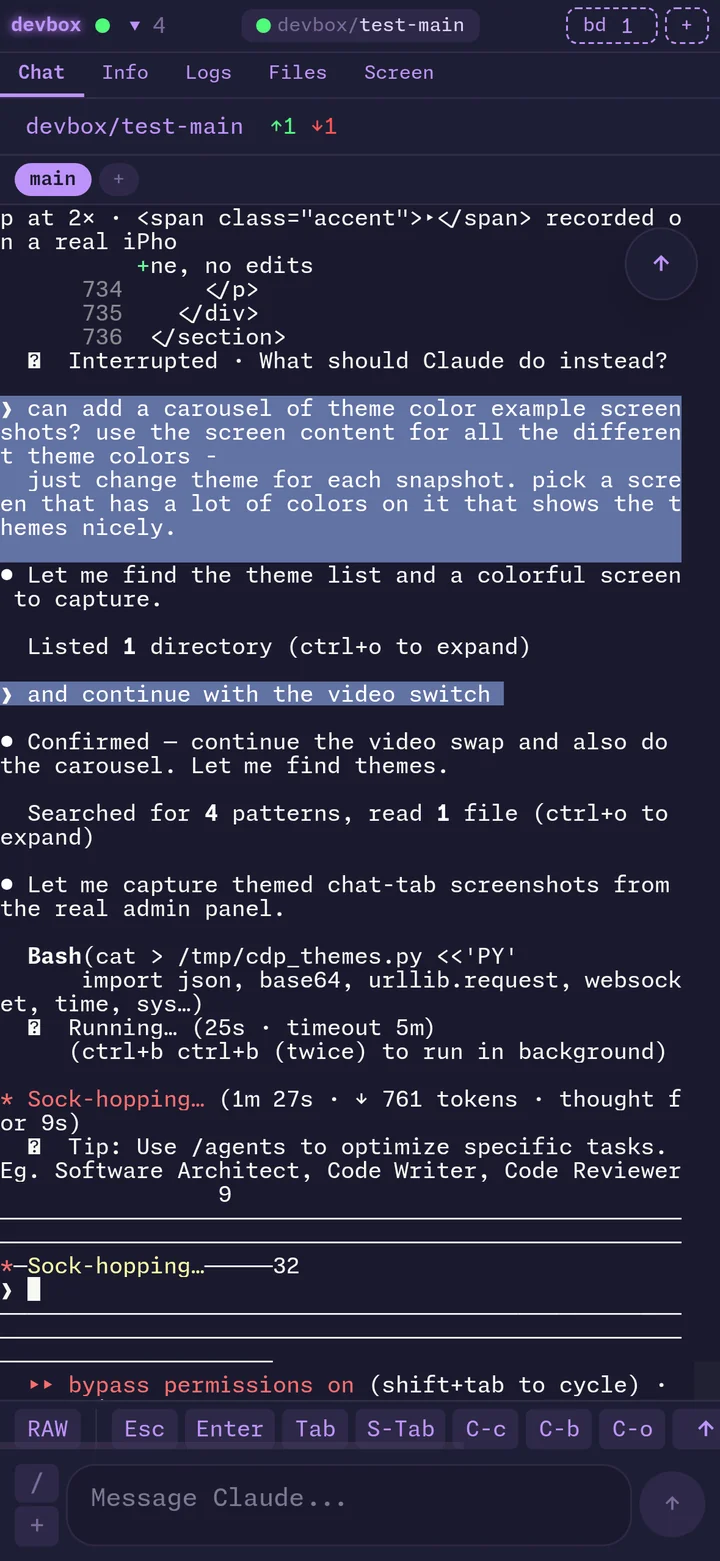
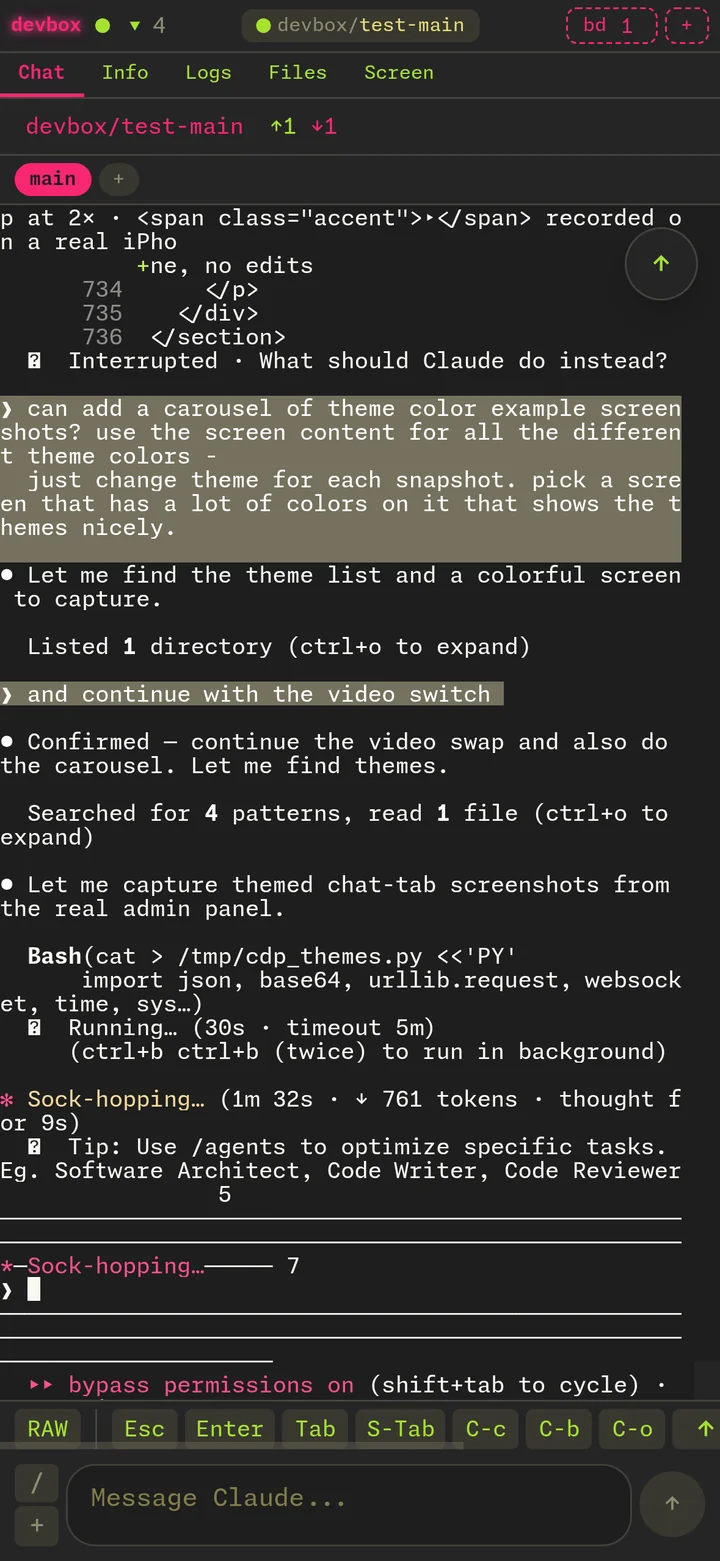
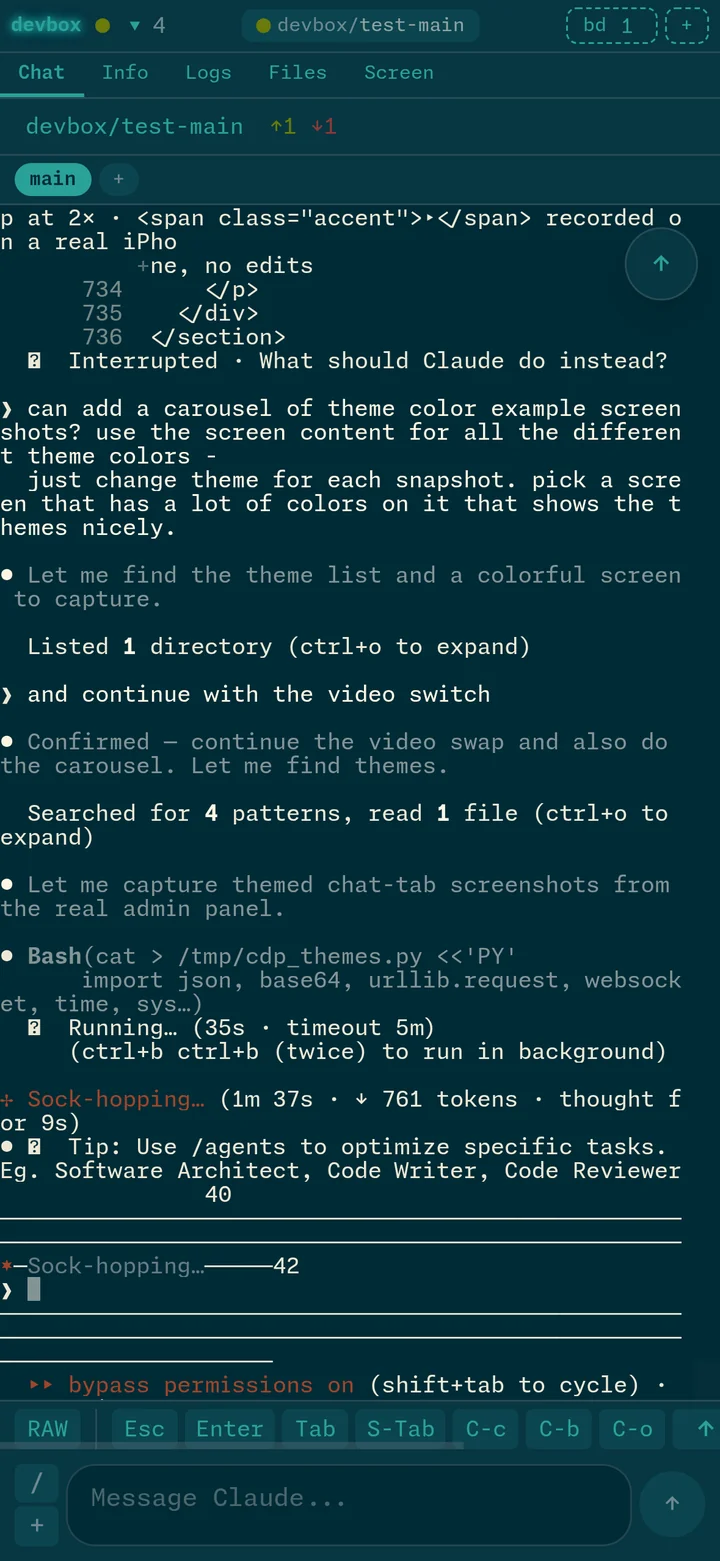
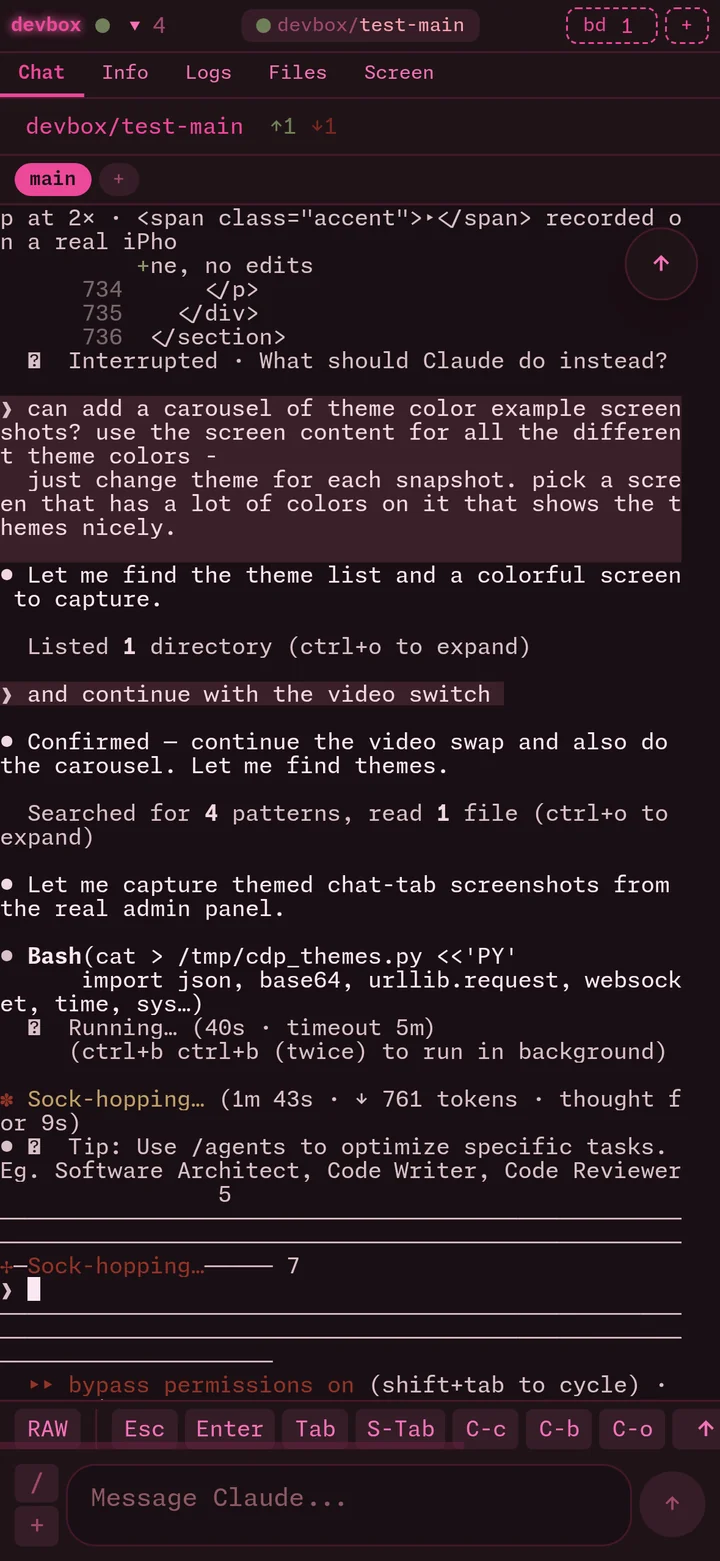
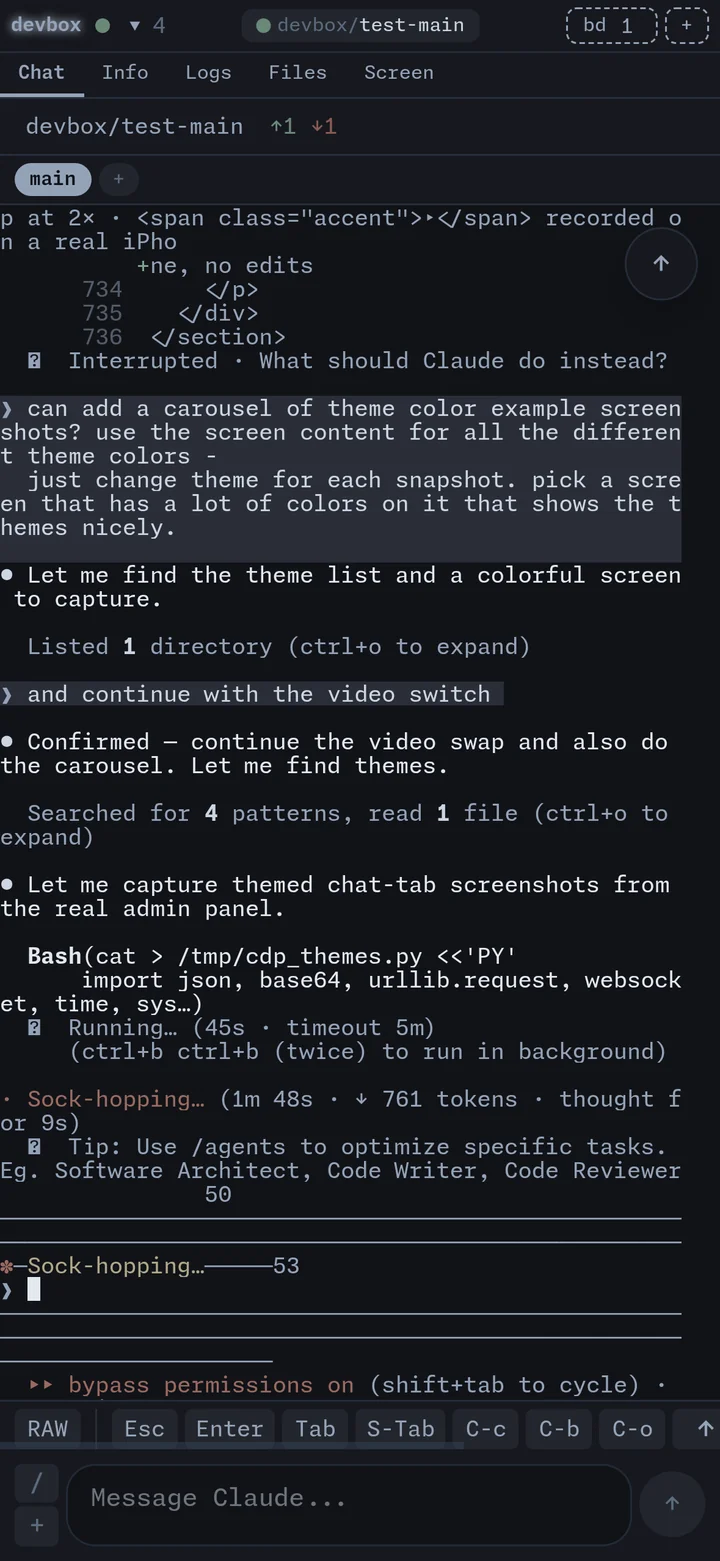
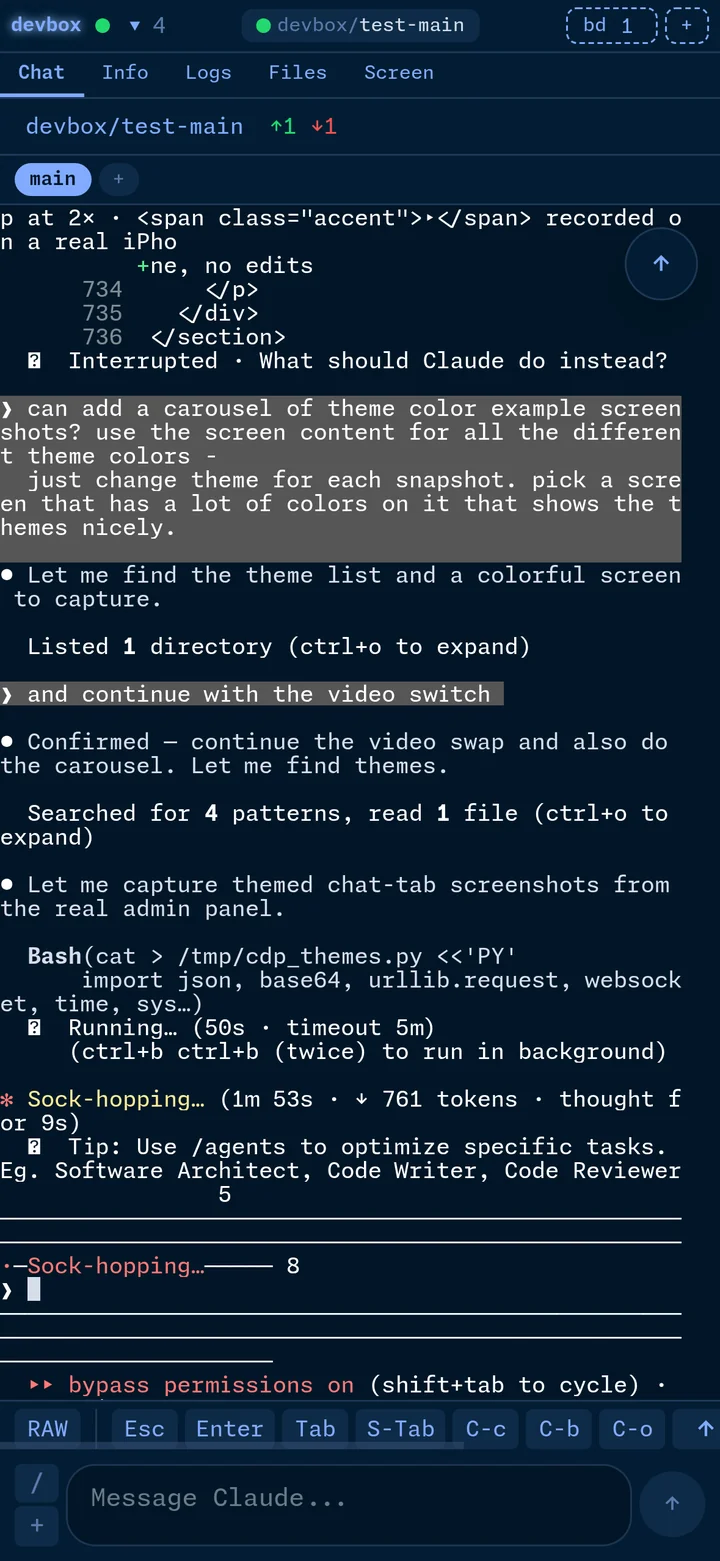
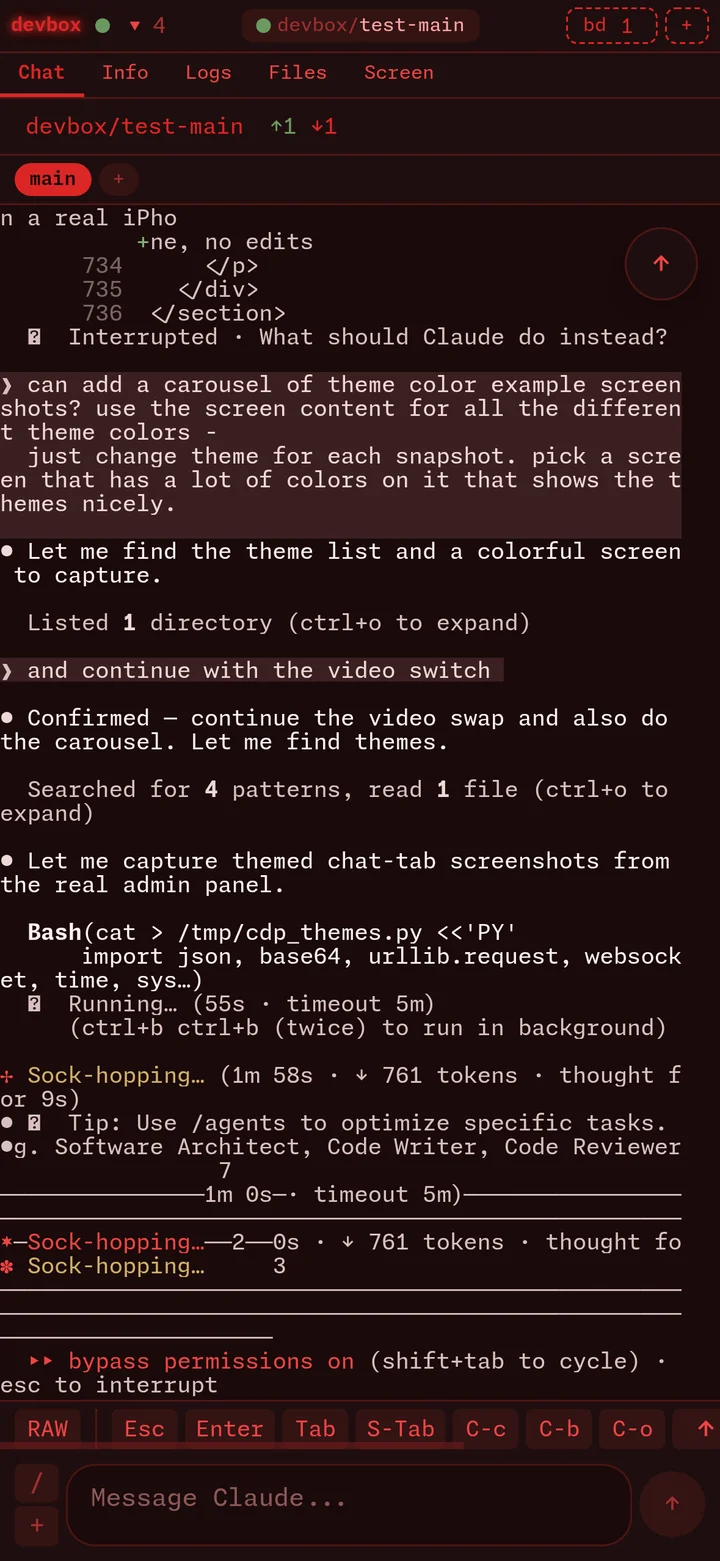
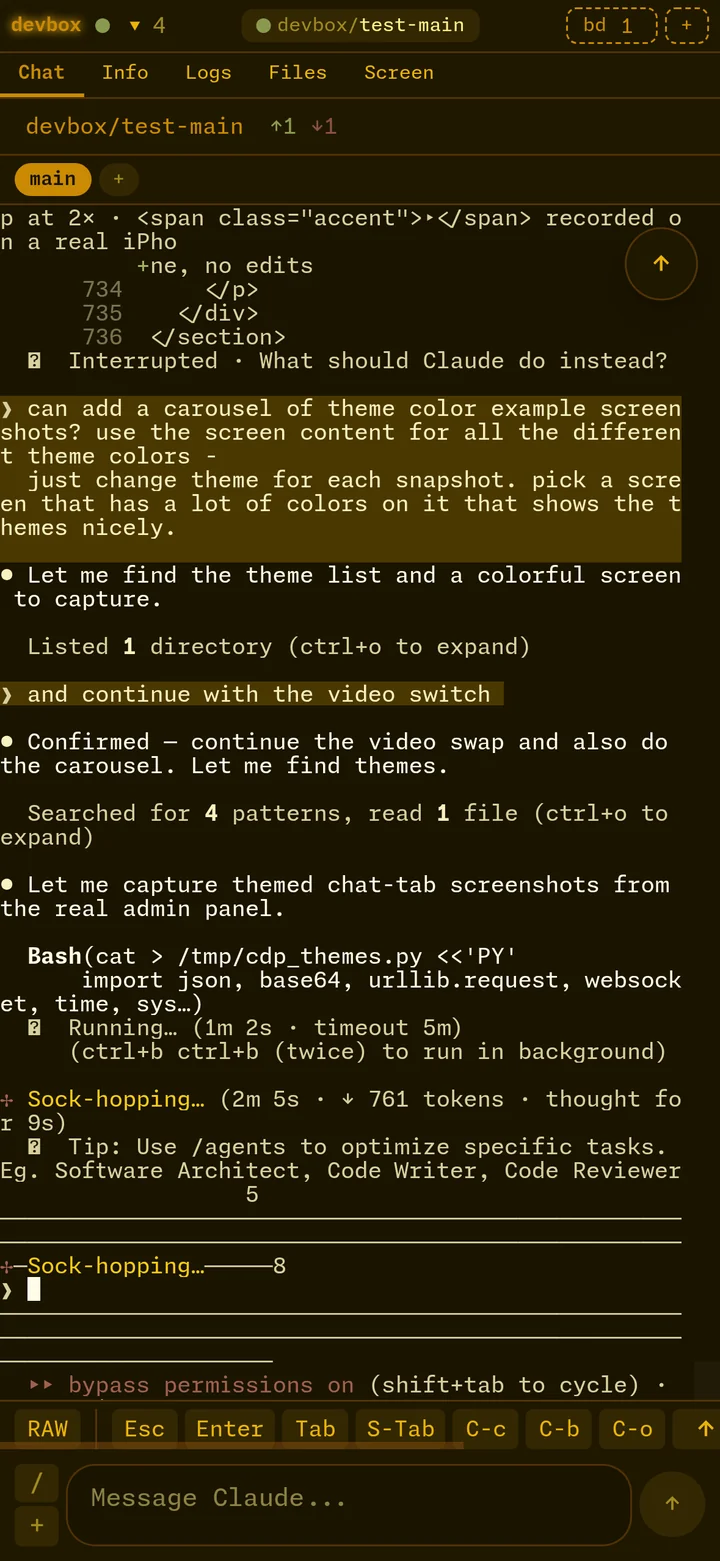
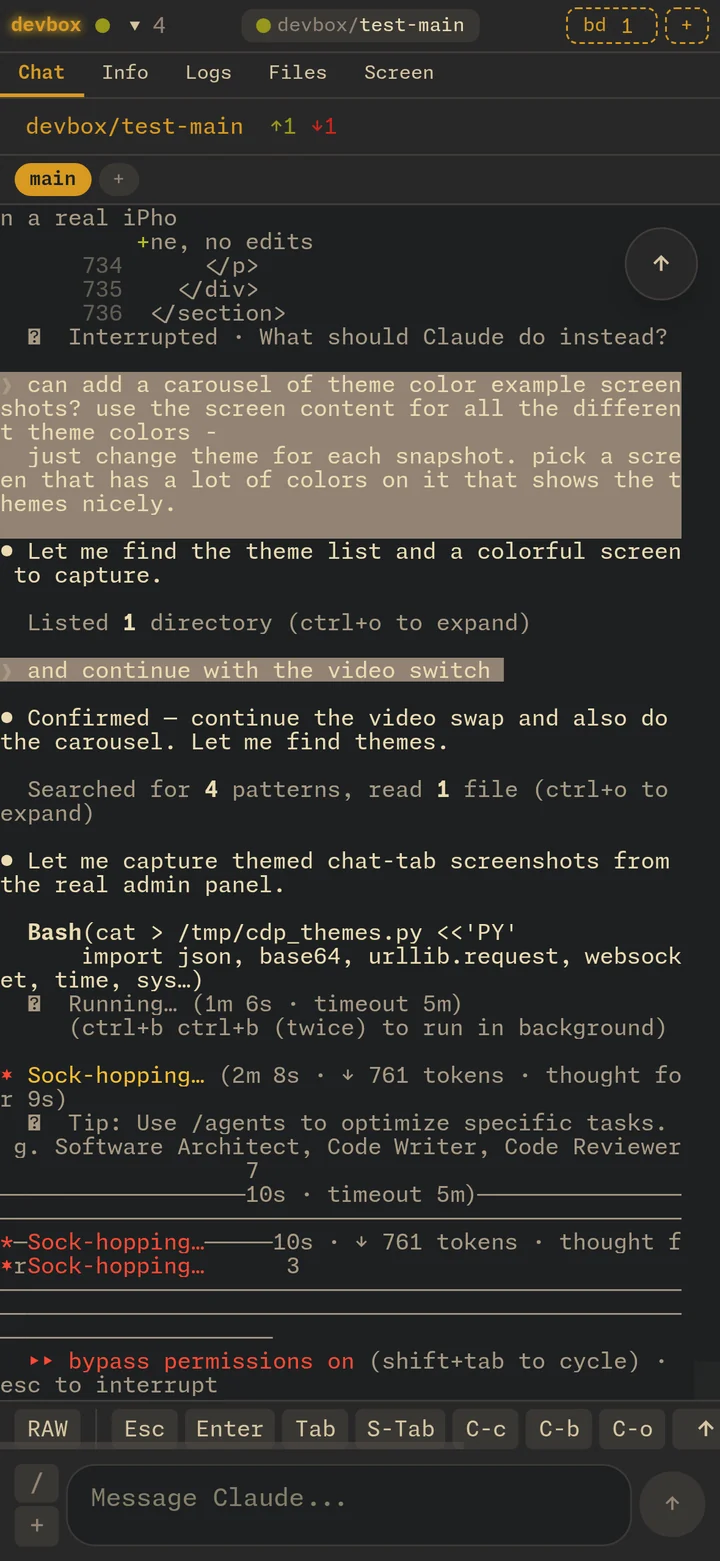
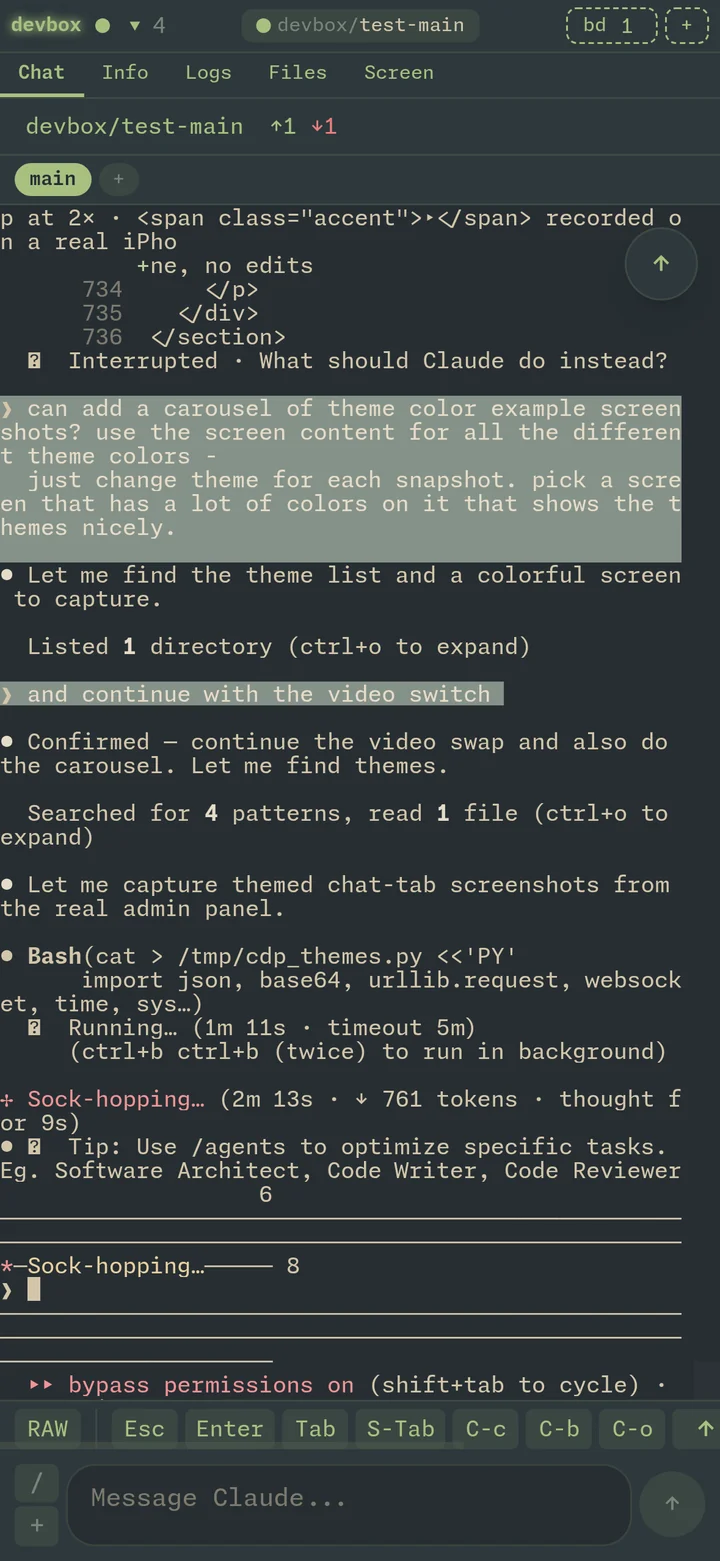
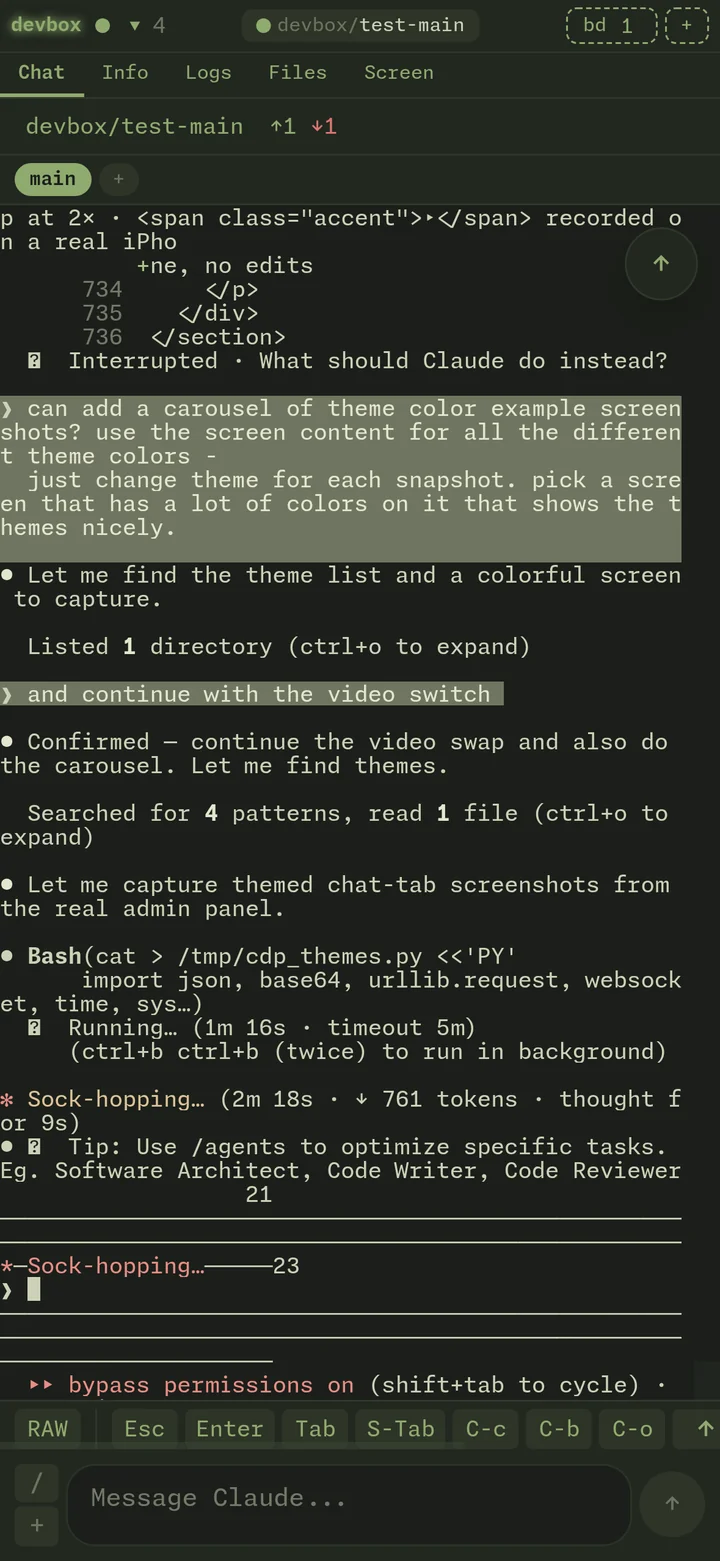
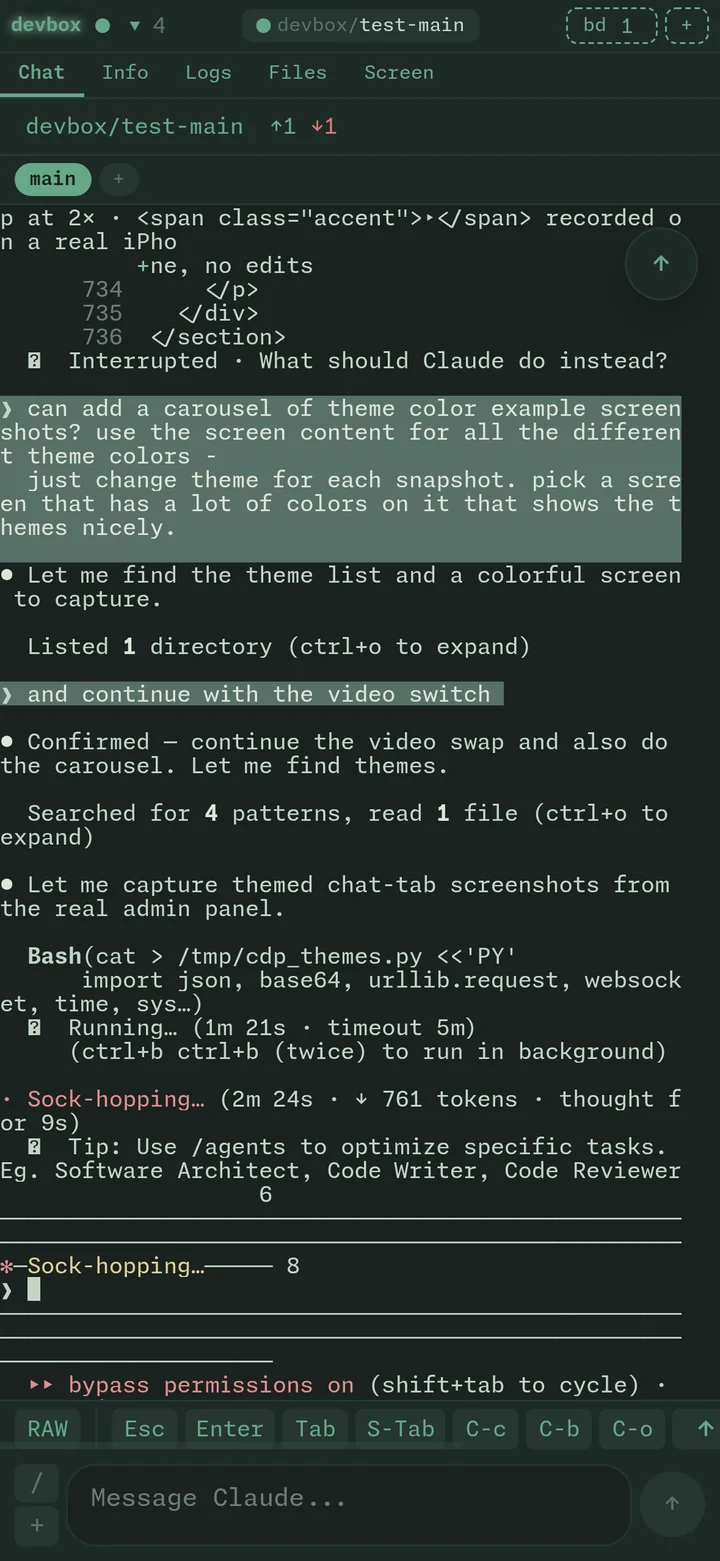
Same screen, every palette.

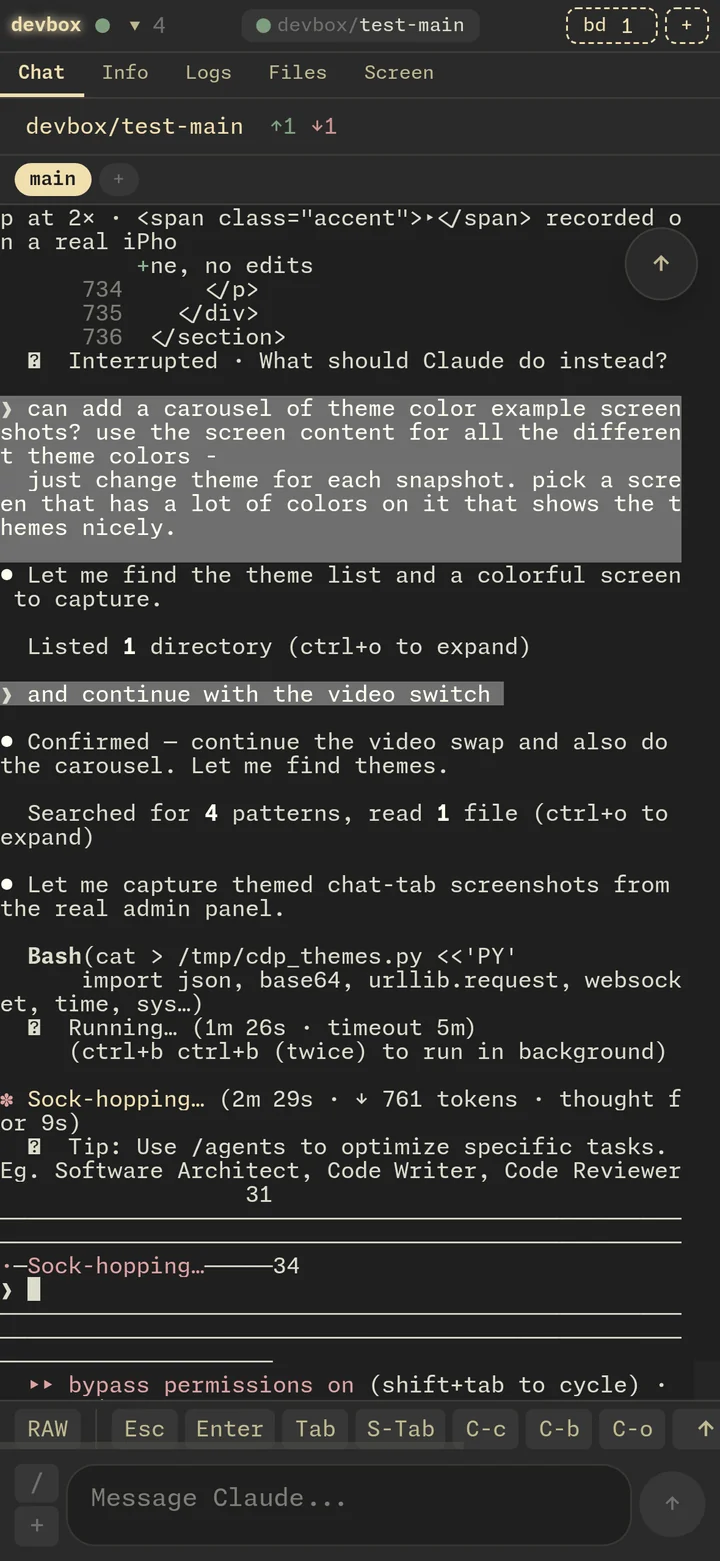
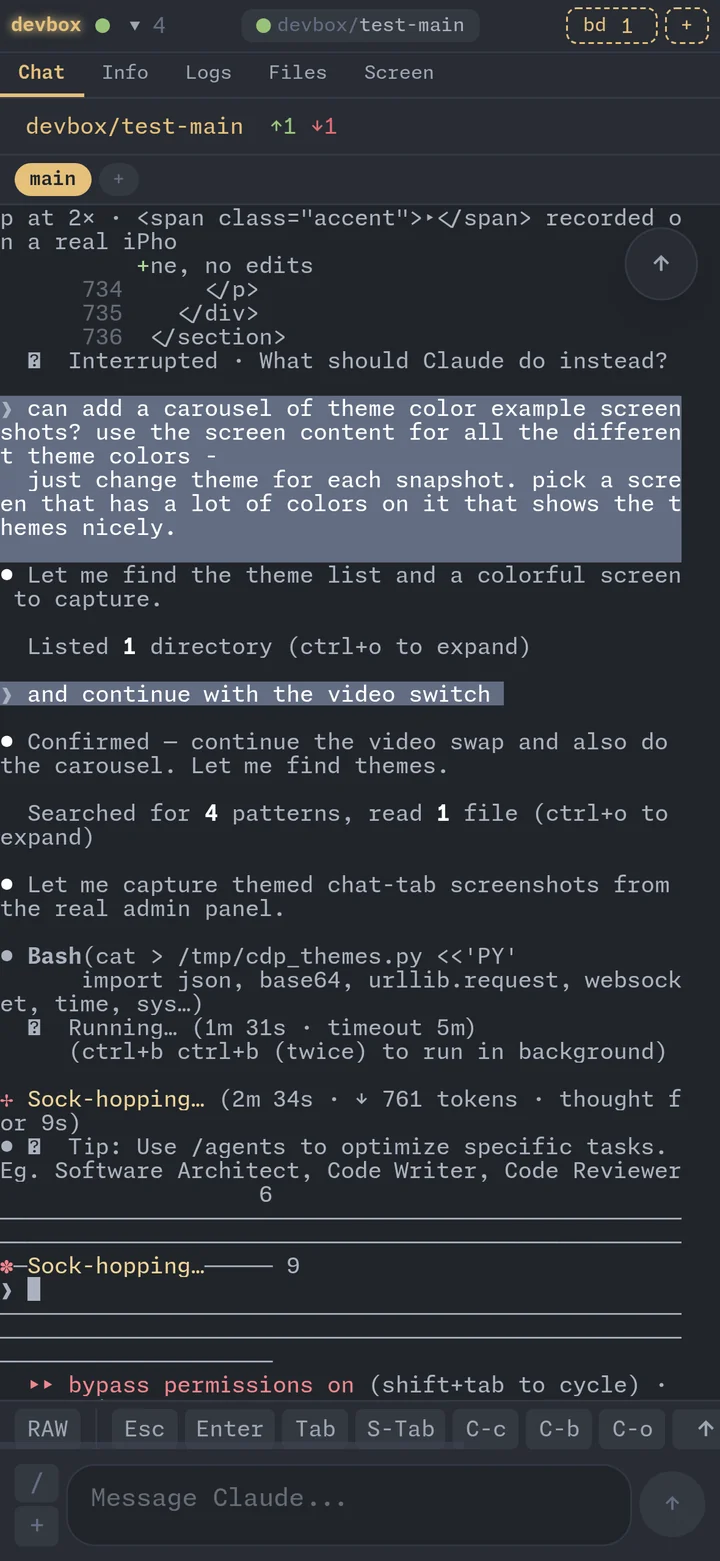
The Chat tab — same Claude session, same ANSI output — under each of the eighteen built-in themes. Swipe through. Pick the one that matches your mood, your wallpaper, or just the lighting in your kitchen.

swipe, tap arrows, or pick a dot · all 18 ship in the box

Real terminal. Real Claude. Real phone.

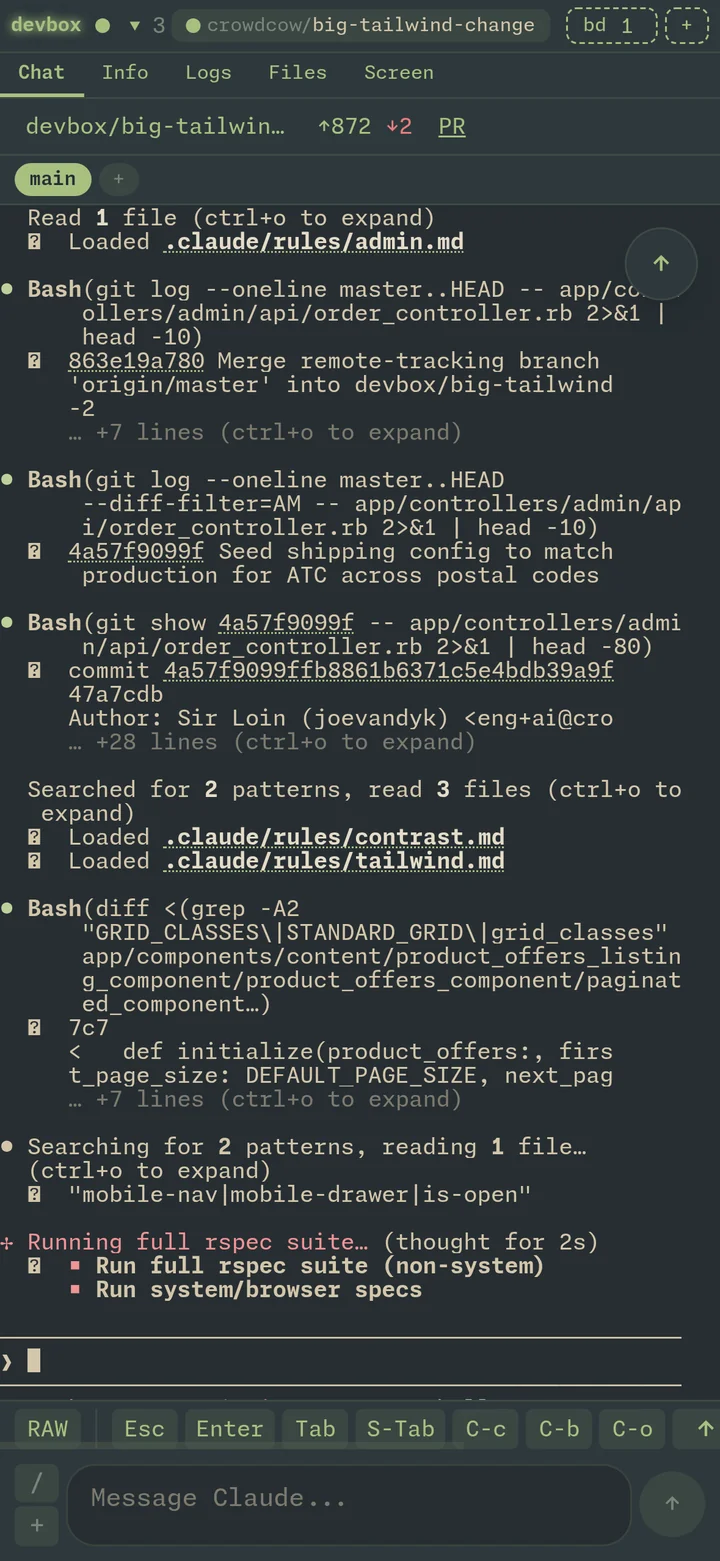
The Chat tab is a tmux -C attach-session stream piped through a WebSocket into xterm.js. No screenshots, no polling — every keystroke Claude prints lands in your hand in real time.

  • Spinners, progress bars, cursor animations preserved
  • Auto-linked file paths and URLs (open in pretty markdown viewer)
  • Manual touch-to-scroll for iOS
  • Drag-and-drop or paste images, logs, screenshots — Claude reads them inline
  • Copy/paste files between Mac and devbox just works
  • RAW / Esc / Tab / arrows / Ctrl-C bar — every key Claude needs
Chat tab streaming Claude reviewing a PR

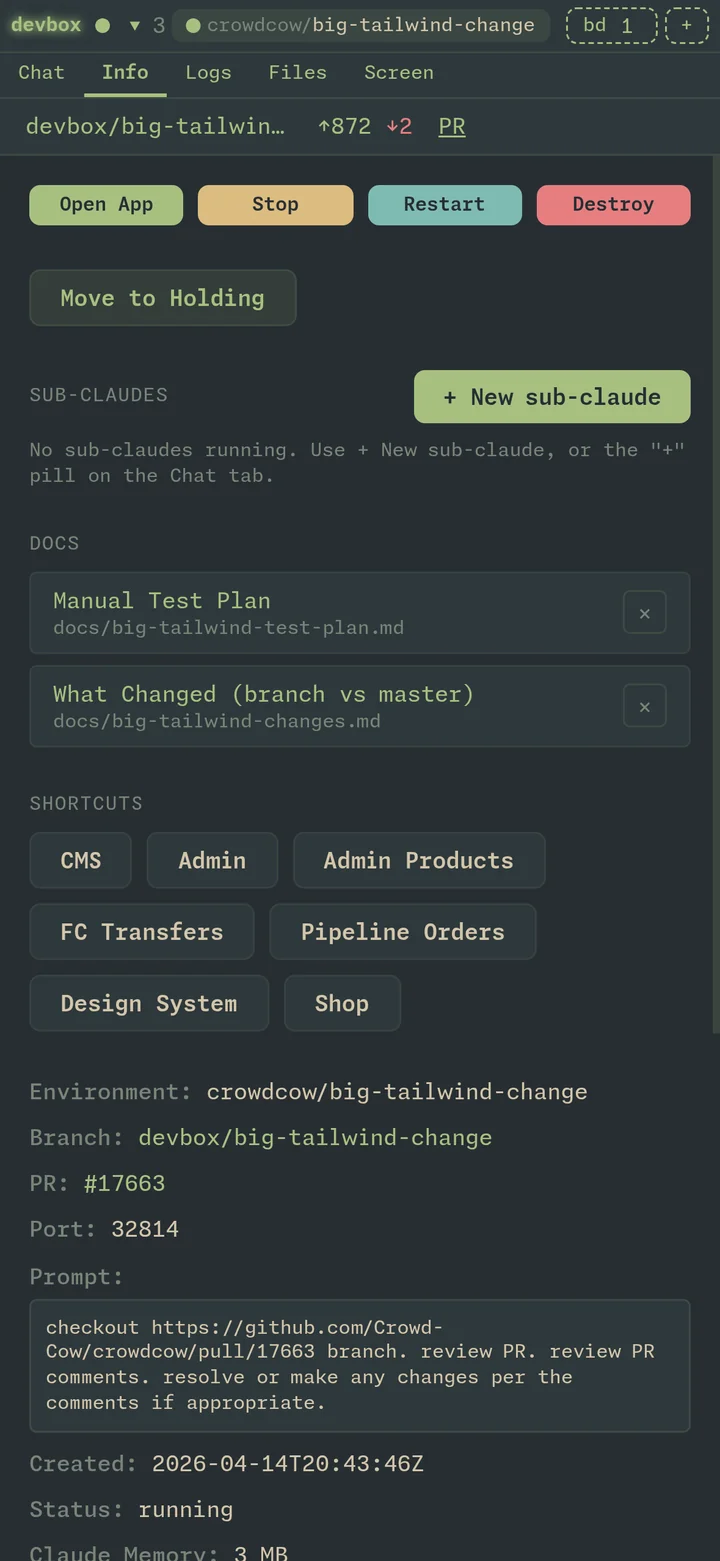
Every env is a control panel.

One screen with everything: start/stop/restart, sub-claude roster, project shortcuts, PR link, branch state, the original prompt, container memory, doc attachments. The kind of dashboard you'd build for yourself if you didn't have to ship features for a living.

  • Spawn sub-claudes that share the worktree + branch
  • Pin docs (markdown plans, test plans) to the Info tab
  • One-tap shortcuts to admin / CMS / design system / shop
  • Beads issues for this env, inline
Info tab showing controls, sub-claudes, docs, shortcuts

The whole repo, on a thumb.

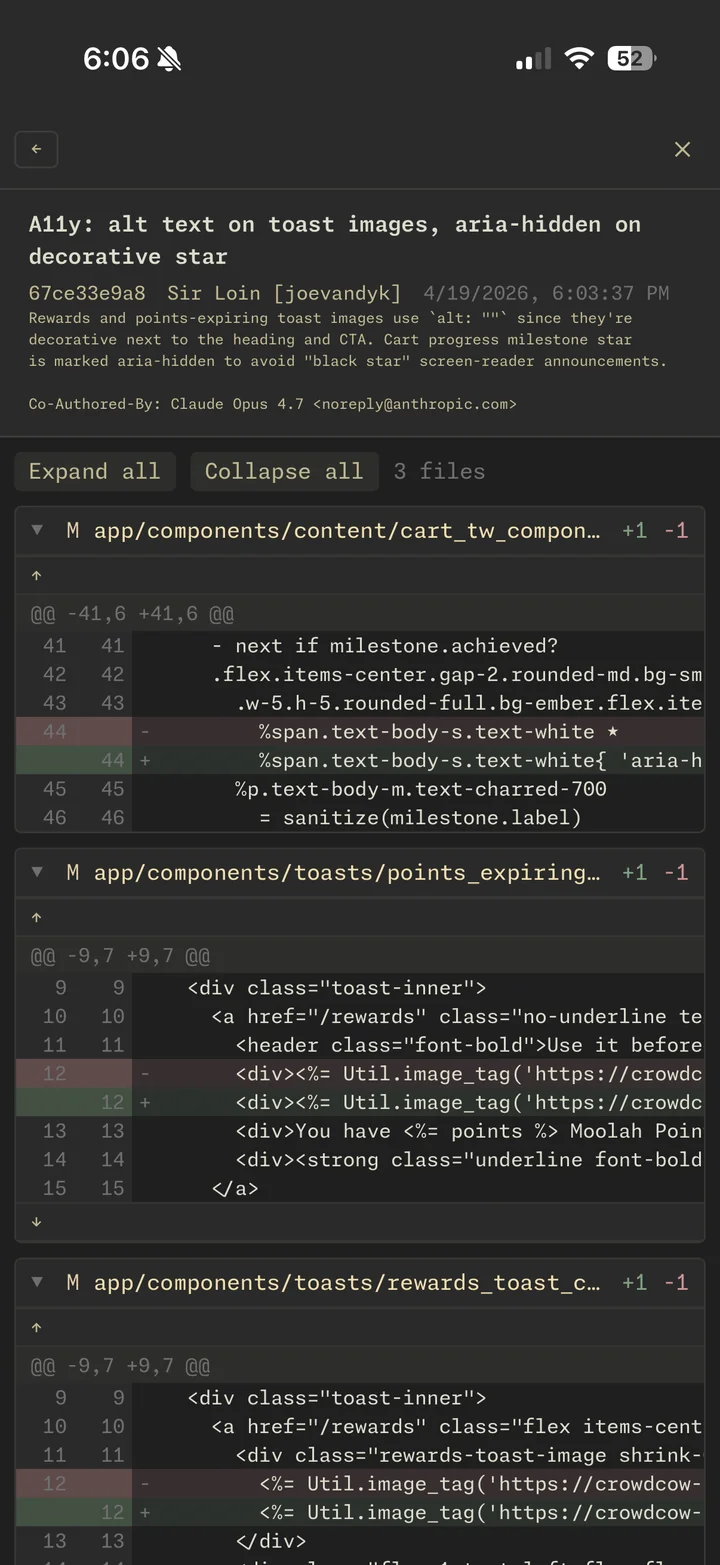
A drawer that overlays any tab: tree view, recent edits, uncommitted changes, branch-vs-master, commit history. Tap a file → syntax-highlighted preview with diff coloring keyed to the active theme. Eighteen themes, all hot-swappable.

  • Tree / Recent / Uncommitted / Branch / Commits views
  • Shiki syntax highlighting wired to the theme palette
  • Side-by-side diff with theme-tinted add/del rows
  • Resizable split with file list ↔ viewer
Files drawer showing expanded branch diff across multiple files

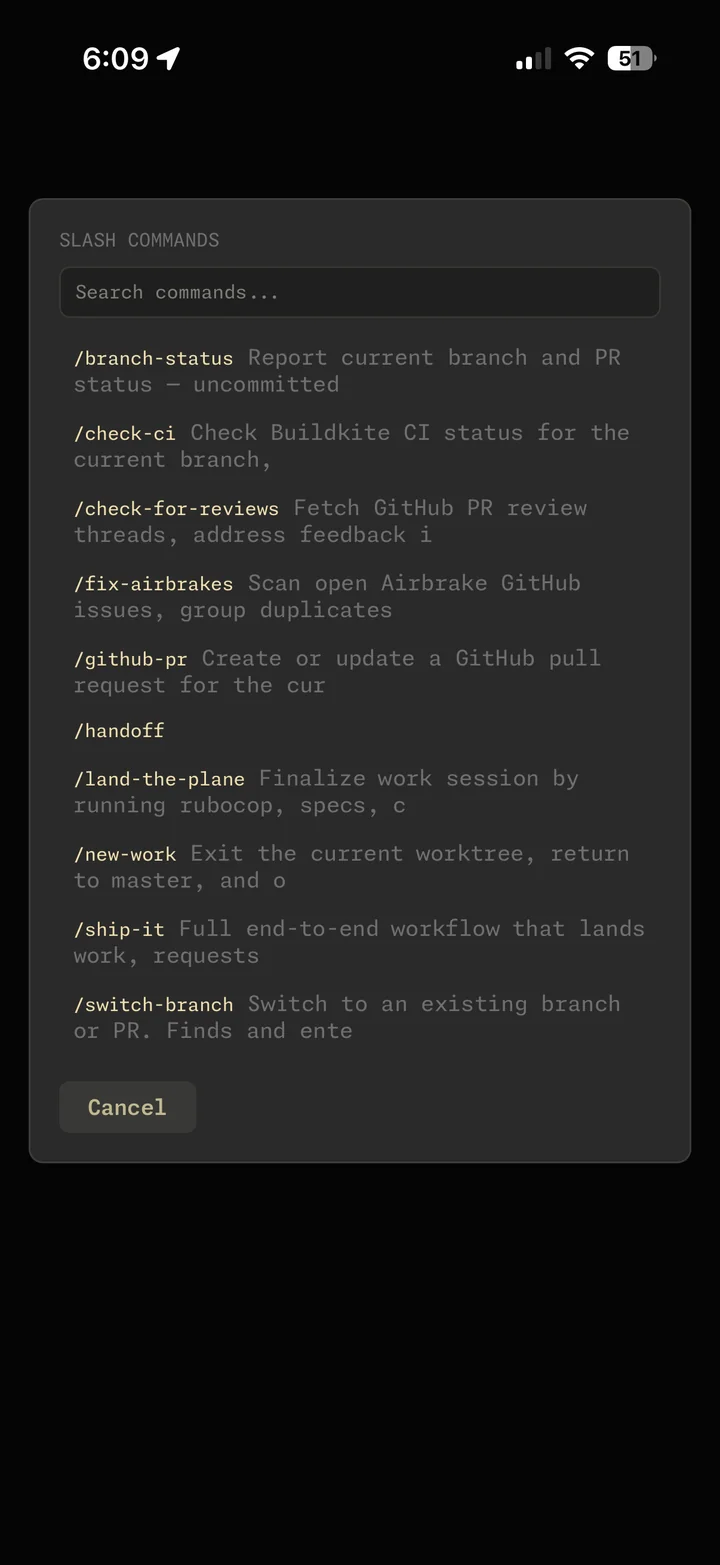
Claude's whole skill library, one tap away.

Type / from the chat tab and a palette slides up: every slash command and every superpower skill, fuzzy-matched, built-ins and project-specifics interleaved. Tap one, it lands in the prompt with placeholders for arguments. The same UX you have on desktop, finger-friendly.

  • Project skills (/handoff, /ship-it, /check-ci) and Claude built-ins together
  • Fuzzy filter as you type, descriptions inline
  • Placeholders pre-filled for common arguments
  • Same palette for the autonomous-loop skills (/loop, /cron)
Slash command palette with fuzzy-matched skills and commands

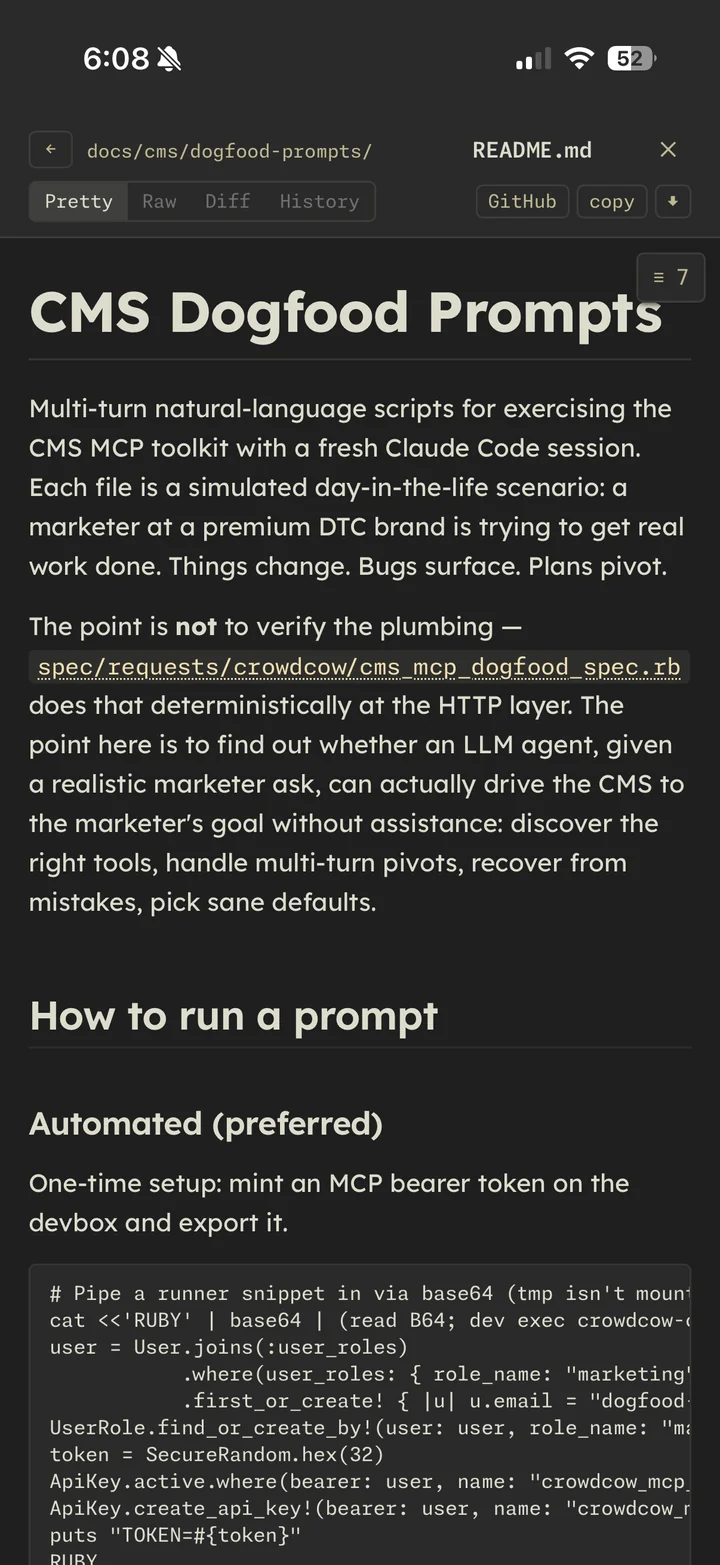
Read the docs Claude is reading.

Tap any .md path in Claude's output — handoff notes, plans, specs — and it opens in a styled viewer with the same theme as the rest of the app. Headings, code fences, tables, syntax highlighting. The Info tab can pin a doc so it's one tap away forever.

  • Pretty-rendered markdown, theme-tinted code blocks
  • Auto-resolves relative paths against the env's worktree
  • Pinnable to the Info tab as a "doc" attachment
  • Works for plans, handoffs, design docs, READMEs — anything tracked in git
Markdown viewer rendering a handoff doc with syntax-highlighted code

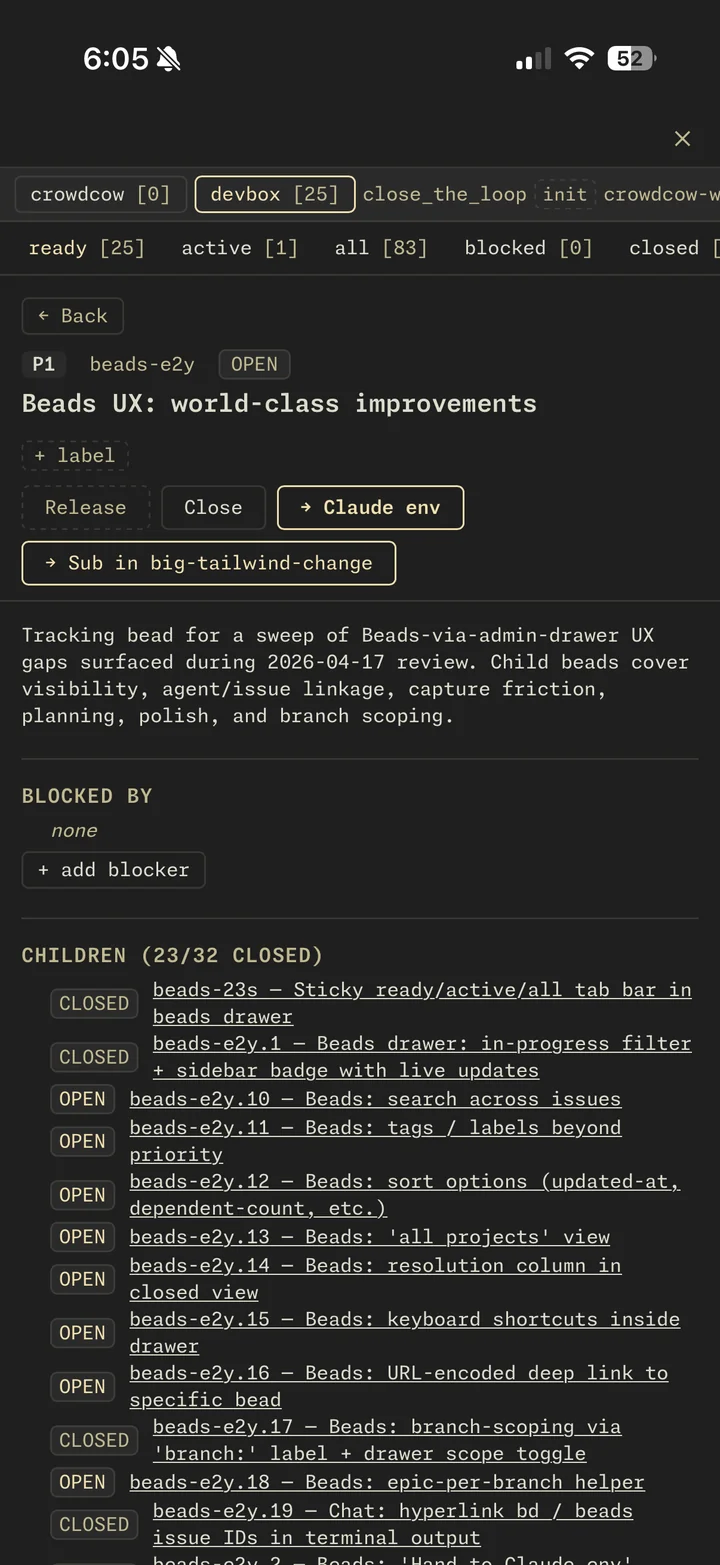
Every commit, PR, and env on one timeline.

Beads is the connective tissue: a Dolt-backed task graph where every idea, plan, commit, PR, and env links back to a node. Open an epic — the children show up as a tree, with rolled-up status, stale flags, and the events that touched each one. The drawer spans projects.

  • Cross-project graph: claim, close, add deps, lint orphans
  • Auto-captured commit / PR / env events from git hooks and the admin panel
  • Persistent memory — bd remember survives every /clear
  • Hand any bead to a fresh sub-claude with one tap
Beads epic showing 32 children with rolled-up status

And it scales to a 30-inch monitor.

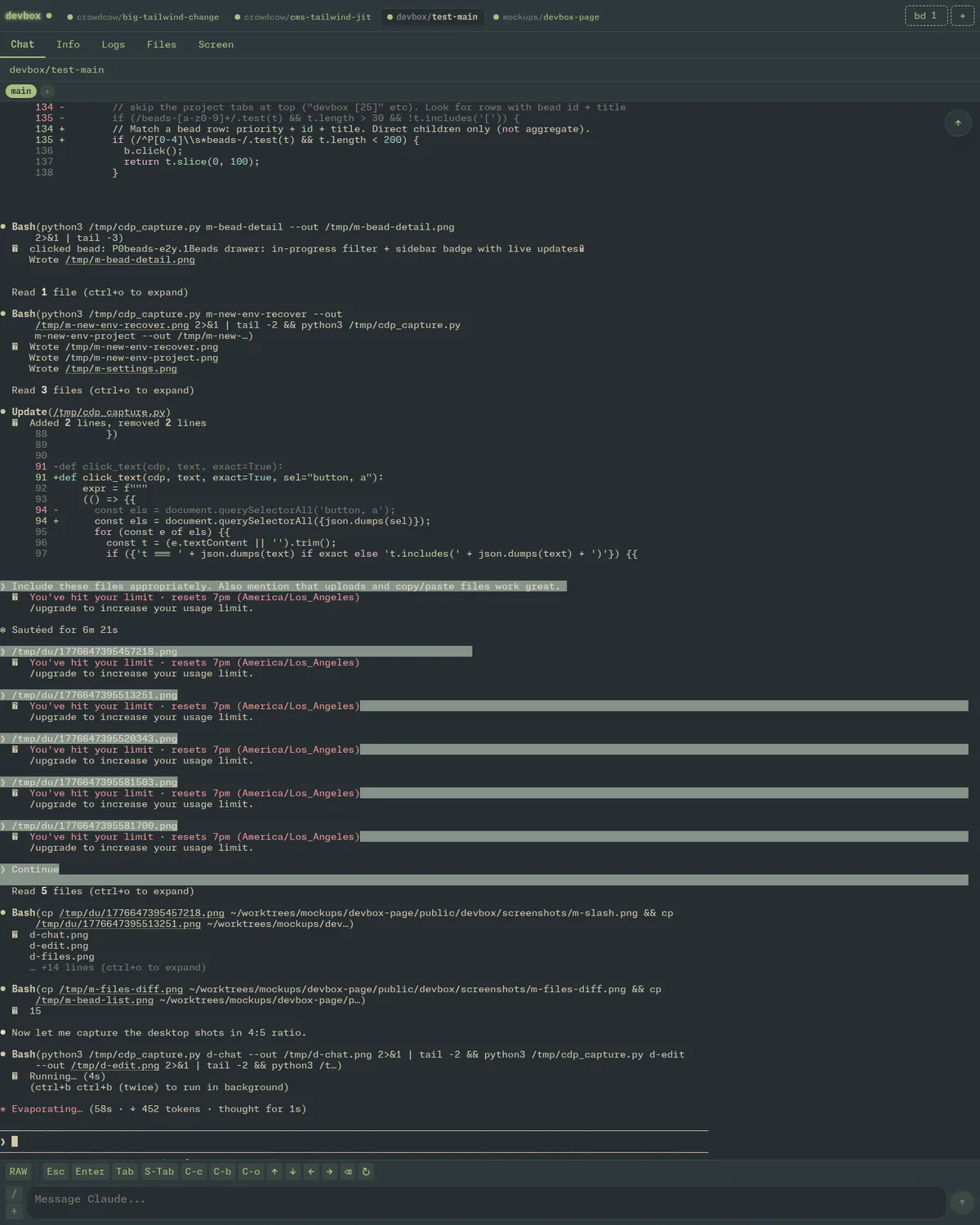
The same app fills a 30-inch display at the office: tabbed env switcher, split panes, a beads drawer that spans projects, a screen tab that proxies CDP screencast from each env's headless Chrome — clickable, typeable, no VNC. All my development now happens inside devbox — phone in the morning, big monitor at the desk, same envs, same conversations, same worktrees.

  • Multi-env tab bar with per-env status dots
  • Cross-project beads view, claim/close/dep inline
  • CDP screencast (sharper than VNC, fully interactive)
  • Deep-link routes — /<env>/<tab> for everything
Desktop view with multi-env tab bar and chat

It's a full IDE in your browser.

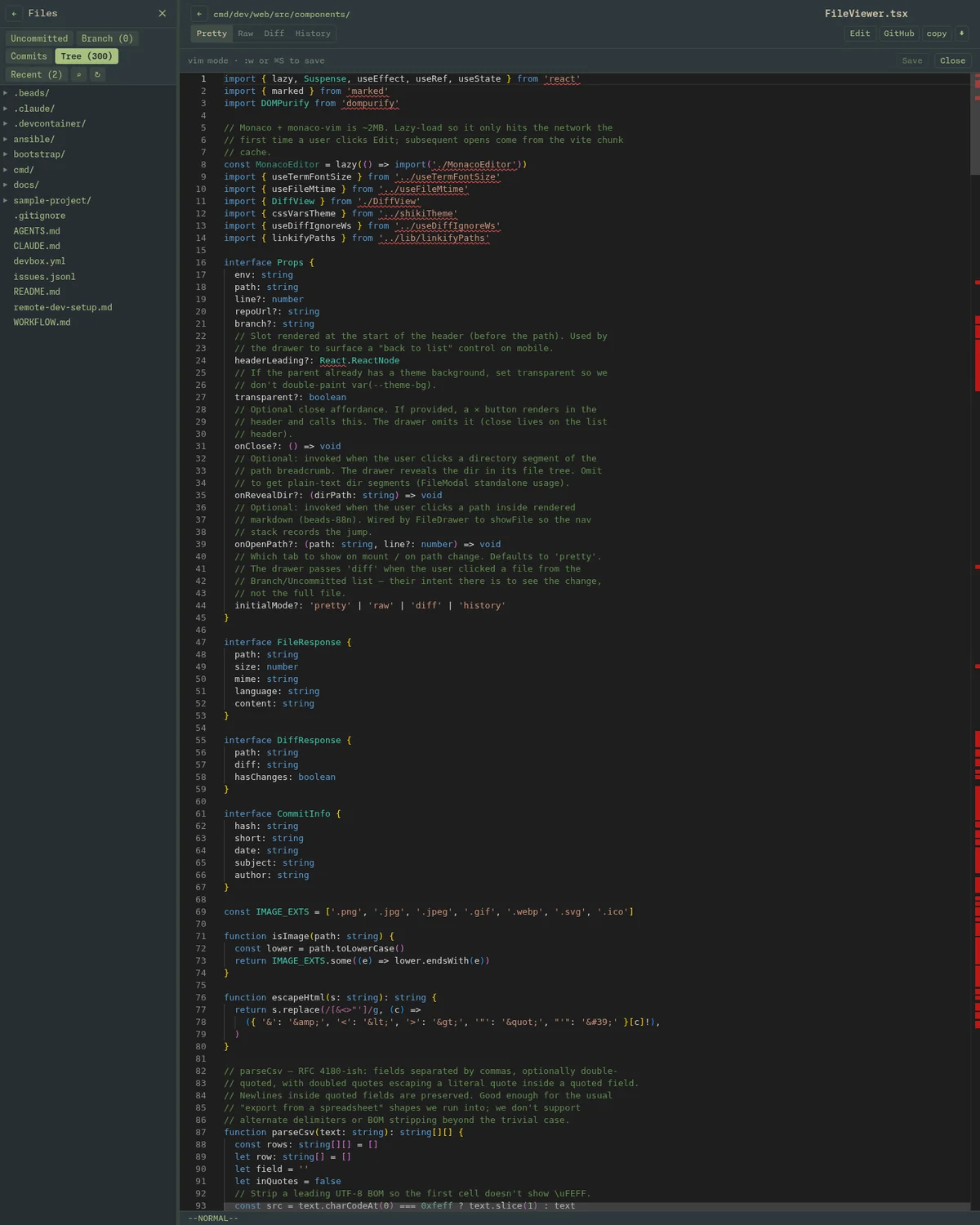
Click Edit on any file and the viewer flips into Monaco — the same editor that ships in VS Code — with vim keybindings on by default. Saves write straight through to the worktree on disk; Claude sees the change on the next read. No git dance, no copy-paste, no "let me jump on my laptop real quick."

  • Monaco editor, lazy-loaded only when you actually edit
  • Vim modes via monaco-vim:w writes, :q closes
  • Syntax highlighting follows the theme palette (Everforest, Tokyo Night, etc.)
  • Desktop only on purpose — an iPhone soft keyboard is not a coding surface
  • Edits are visible to Claude instantly via the bind mount
Monaco editor open on a TypeScript file with Everforest syntax highlighting

Stupidly simple,
aggressively isolated.

Claude Code runs on bare metal, editing files directly. The app it's working on runs in a Docker devcontainer. The worktree is bind-mounted in. Edits land instantly. Containers are disposable. Claude isn't.

bare metal
OVH Debian 13 box behind Tailscale. Claude Code runs here, not in containers — no docker-in-docker games.
isolation
Each env: one git worktree, one devcontainer (Rails/MySQL/Redis/ES), one tmux window, one Chrome tab. Disposable per env.
streaming
Terminal via tmux -C attach-session control mode → WebSocket fan-out. Snapshot + live bytes on one ordered protocol.
browser
Chrome DevTools Protocol screencast for the Screen tab — interactive, sharp, theme-aware. Beats VNC on every axis.
routing
Reverse proxy maps <env>.devbox.tld → container's dynamic port. Wildcard Let's Encrypt cert, Cloudflare DNS, all Ansible-managed.
memory
Beads task graph in a shared Dolt SQL server (one DB per project) — one event log, append-only, derived state. No more JSONL merge conflicts.
// the dev cli
dev new crowdcow checkout-redesign        // worktree + container + Claude
dev sub crowdcow-checkout-redesign tests   // spawn a sub-claude on the same branch
dev list                                  // every env across every project
dev exec <env> bundle exec rspec spec/...   // run anything inside the container
dev destroy <env>                          // tear it all down: tmux, chrome, worktree, container

Built on boring,
arranged on purpose.

Go React + TypeScript Vite Tailwind v4 xterm.js v6 tmux control mode Docker Compose git worktree Chrome DevTools Protocol WebSocket Ansible Tailscale Cloudflare Let's Encrypt Beads (Dolt SQL) Doppler Monaspace Neon Everforest

Joe Van Dyk

senior engineer · crowd cow · seattle

Joe builds the web app at Crowd Cow — a DTC meat & seafood subscription on Rails 7. He spent a chunk of 2026 figuring out how to make Claude Code work the way he works: from a phone, in parallel, across feature branches, without losing track of anything.

Devbox is the result. It is unapologetically personal. Every decision was driven by a real ticket Joe was trying to ship — terminal fidelity on iOS Safari, sub-claudes that share a worktree, beads as the connective tissue across commits/PRs/envs, a CDP-driven Chrome view because VNC was too blurry on retina displays.

It started as a tmux window over SSH and an idea — "what if I could just talk to Claude from my phone?" Every feature on this page — the file drawer, the screen tab, sub-claudes, the beads graph, the IDE, this very landing page — was built by Claude Code running inside a devbox env, on the devbox repo. The tool ate itself into existence. Every commit is a dogfood receipt.

It runs one developer hard. The point isn't that you should use it. The point is that this is what 2026 dev tooling can look like when one person decides to optimize their own workflow all the way down to the metal.

"If I'm running fifteen claudes and subagents in parallel, the dashboard had better fit on a phone in the kitchen and a 30-inch monitor at the desk — same envs, same conversations, same branches."

github.com/joevandyk →
Watch a feature get born.

A real session, sped up 3×: spin up a fresh worktree, hand Claude a one-line prompt ("make the site purple"), and watch it think, plan, and edit. Same admin panel Joe runs from his phone — just bigger.

admin.devbox · new-feature-here

2 min · 3× speed · no audio · captured live